Fully local, no telemetry
The app listens only on 127.0.0.1 and never makes a request of its own. Everything is stored in one SQLite file; copying that file is a complete backup.
Reqster = request + tester.
No account, no cloud, no telemetry. Your requests, collections and variables live in a single SQLite file on your computer. Import your Postman collections as they are and keep working.
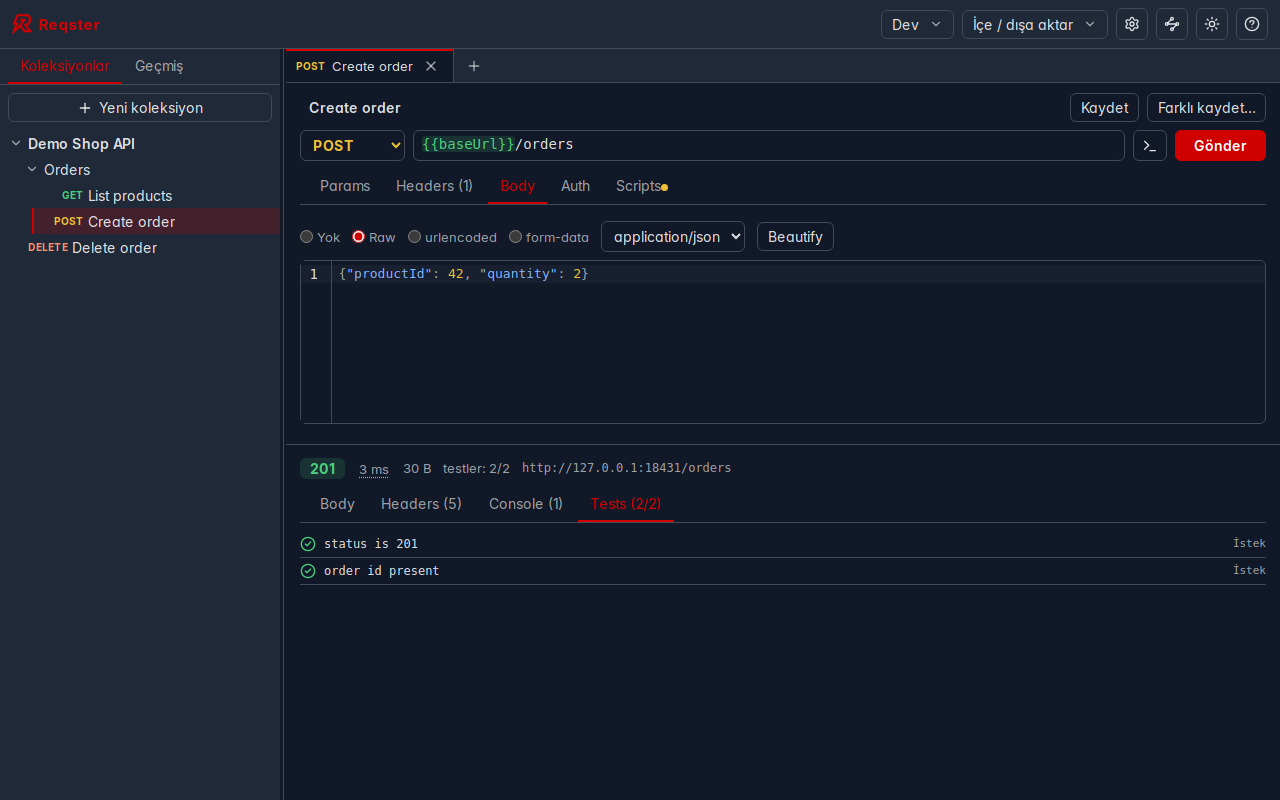
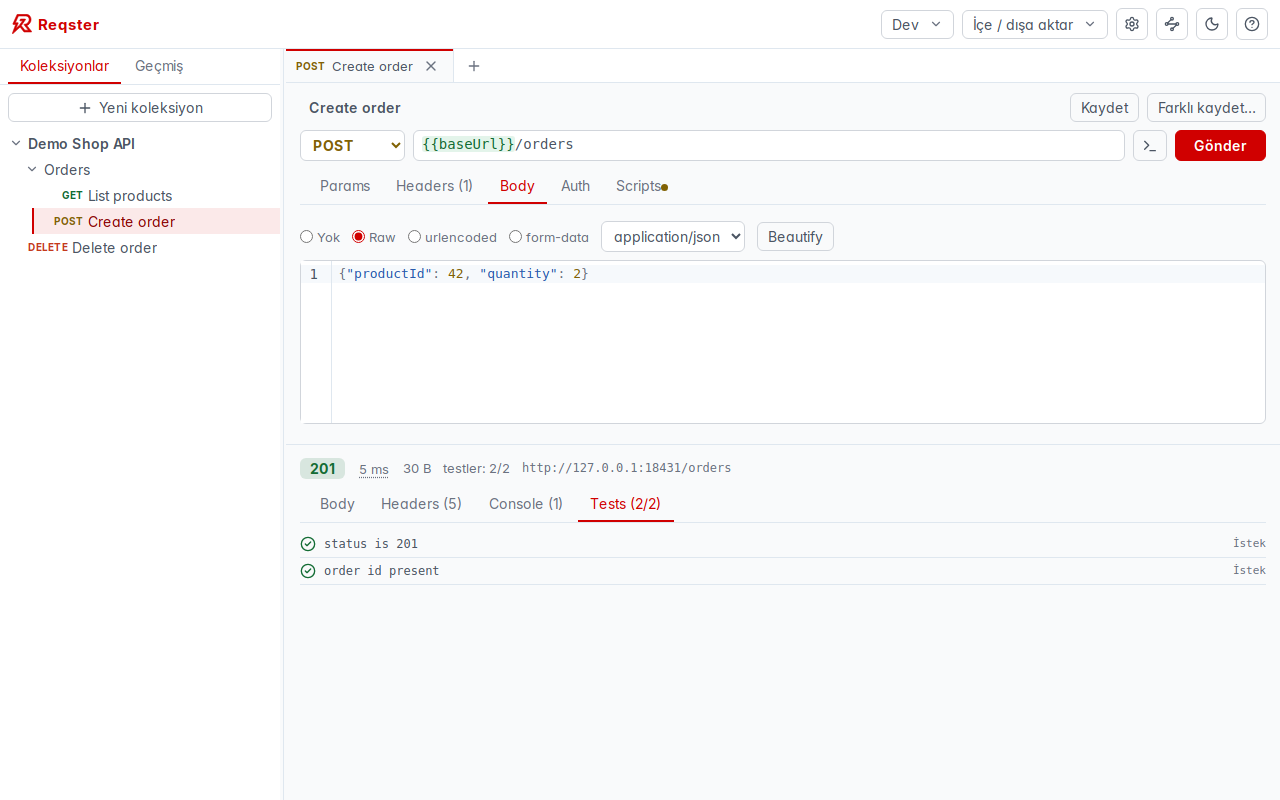
The app listens only on 127.0.0.1 and never makes a request of its own. Everything is stored in one SQLite file; copying that file is a complete backup.
Load v2 / v2.1 collection and environment files, or pull them straight from your Postman account with an API key. Anything that cannot be imported shows up in the report instead of being dropped silently.
Pre-request and post-response scripts are pm.* compatible; pm.test, pm.expect and pm.sendRequest work. Each script runs in a separate process, in an isolated environment with time and memory limits.
{{variable}} support at environment, collection and global scope; defined and undefined variables are colored in the editor as you type. Values marked secret are masked in history and logs.
Share collections together with their scripts and variables in a single .reqster.json file; secret values can be left blank. Postman v2.1 export is there too.
Authenticated HTTP proxy profiles for corporate networks, plus a list of hosts that bypass the proxy. Every response shows which profile was active.
Pick the interface language inside the app; error messages and import reports follow it. Dark and light themes are tuned for comfortable contrast.
Line numbers, JSON/XML formatting, folding and {{variable}} highlighting; raw body, scripts and the response body share the same editor. Tabbed request editing and a history panel are included.
requesttesterReqster
Sending a request and checking the response belong in one place, and the name joins the two: request + tester, shortened to Reqster. It used to be called Reqly; existing installs update in place and keep their data. The bolt is not about how fast your requests travel; it stands for the immediacy of working locally: no server to wait for, no account to sign in to, and your data never leaves your computer.
Latest release. A free desktop app built on open-source libraries.
Windows 10/11, 64-bit. Installs into your user account; no administrator password needed.
Find your chip under Apple menu → About This Mac: if it says "Apple M1/M2/M3/M4", pick Apple Silicon.
x64 tar.gz; extract it and run Reqster/reqster. The app opens in your browser.
Reqster is a desktop app; the Windows, macOS and Linux builds are listed alongside.
After installing, new releases arrive inside the app (Windows and macOS); you never have to come back to the browser.
If SmartScreen or Gatekeeper warns you on first launch, see the first-launch notes. The installers are not code-signed yet.